
Collections
Group accounts and wallets into named collections and filter the whole app by one at a time.
Collections group your accounts (and asset wallets) into named sets: Daily, Long-term, Emergency fund, Family, a side project. Once you have a few, you can look at one slice of your finances at a time instead of always seeing everything mixed together.
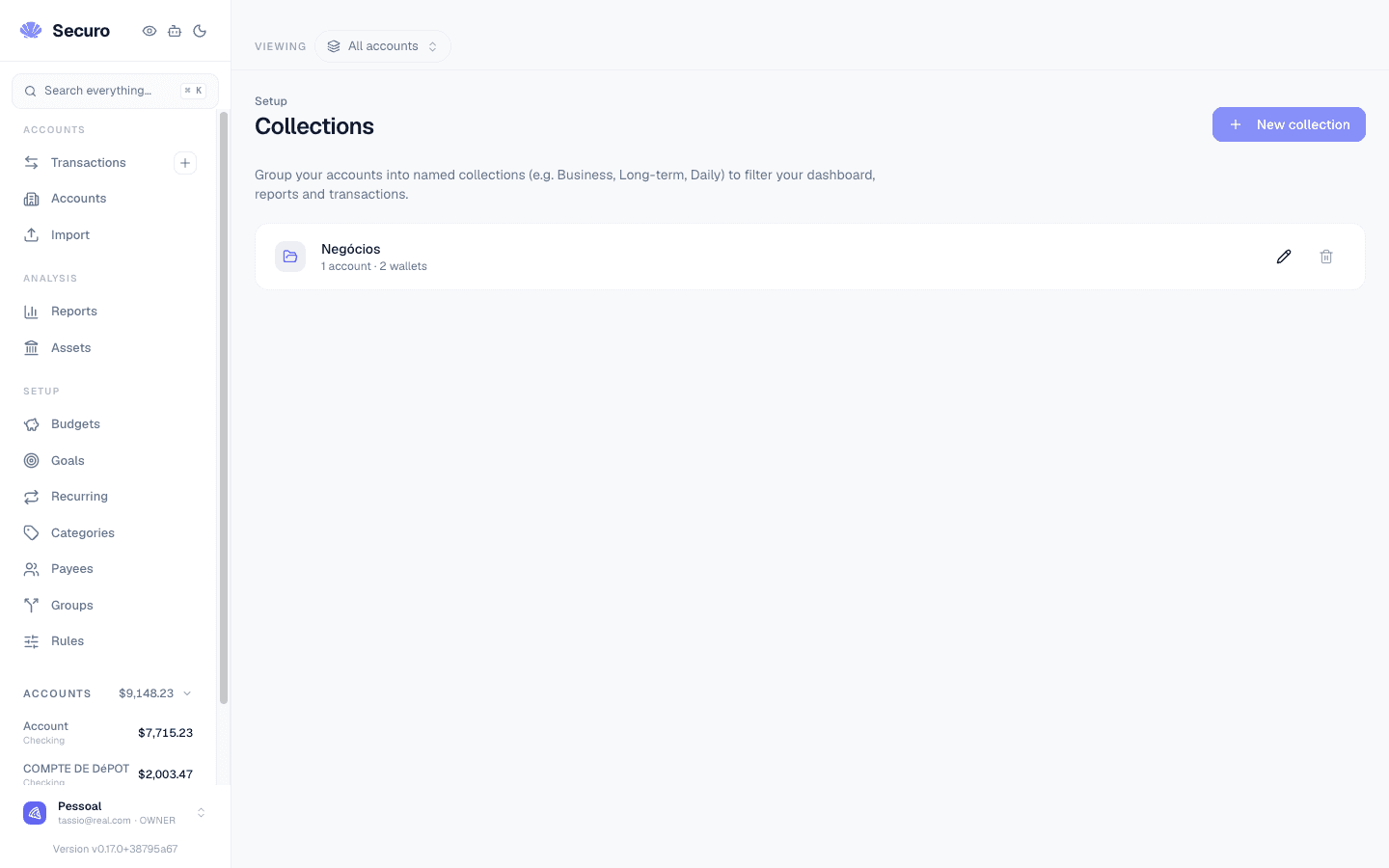
How Collections Work
A collection is just a named list with a color. It can contain:
- Accounts: any of your bank accounts, cards, or wallets
- Wallets: asset groups from the Assets page
An account can belong to more than one collection, and deleting a collection never touches the accounts or data inside it.
Filtering by Collection
Pick a collection in the filter and the dashboard, reports, and transactions all scope themselves to it: totals, charts, and lists show only the accounts in that collection until you clear the filter or switch to All accounts.
This is the fastest way to answer questions like "how is the emergency fund doing?" or "what did the household accounts spend this month?" without the noise of everything else.
Managing Collections
- Open Collections from the accounts page (or the sidebar filter)
- Click New collection
- Name it, pick a color, and tick the accounts and wallets that belong
- Save
Edit or delete a collection any time from the same place.